Apple’s new HomePod aims to compete with other smart speakers like the Amazon Echo or Google Home. How does it measure up? CNN Tech puts it to the test.
Tag: alexa
These are the most memorable 2018 Super Bowl ads
Mark Zuckerberg’s awkward afternoon with Morgan Freeman
How to setup the new “Alexa, Call for Help” feature
Alexa still can’t dial 911 for emergencies but there is now a feature where you can set an emergency contact she can call and text instantly in an unexpected situation.
Follow Rich:
https://mobile.twitter.com/richontech
More details:
https://www.amazon.com/b?ie=UTF8&node=21394567011
“Emergency Contact – U.S. customers can now designate one of their contacts as someone who Alexa will call and text when they say “Alexa, call for help”. Using the Alexa app, customers select one of their contacts as their household’s “emergency contact”. Once setup, customers can say “Alexa, call for help” and Alexa will call their designated emergency contact as well as send a text message alerting them that the customer is experiencing an emergency. The emergency contact needs to have a U.S. phone number. They can call your device back via the Alexa app or an Alexa device with Alexa Communications enabled”
Turn Off Amazon Employee Access To Recordings of Your Alexa Voice Commands
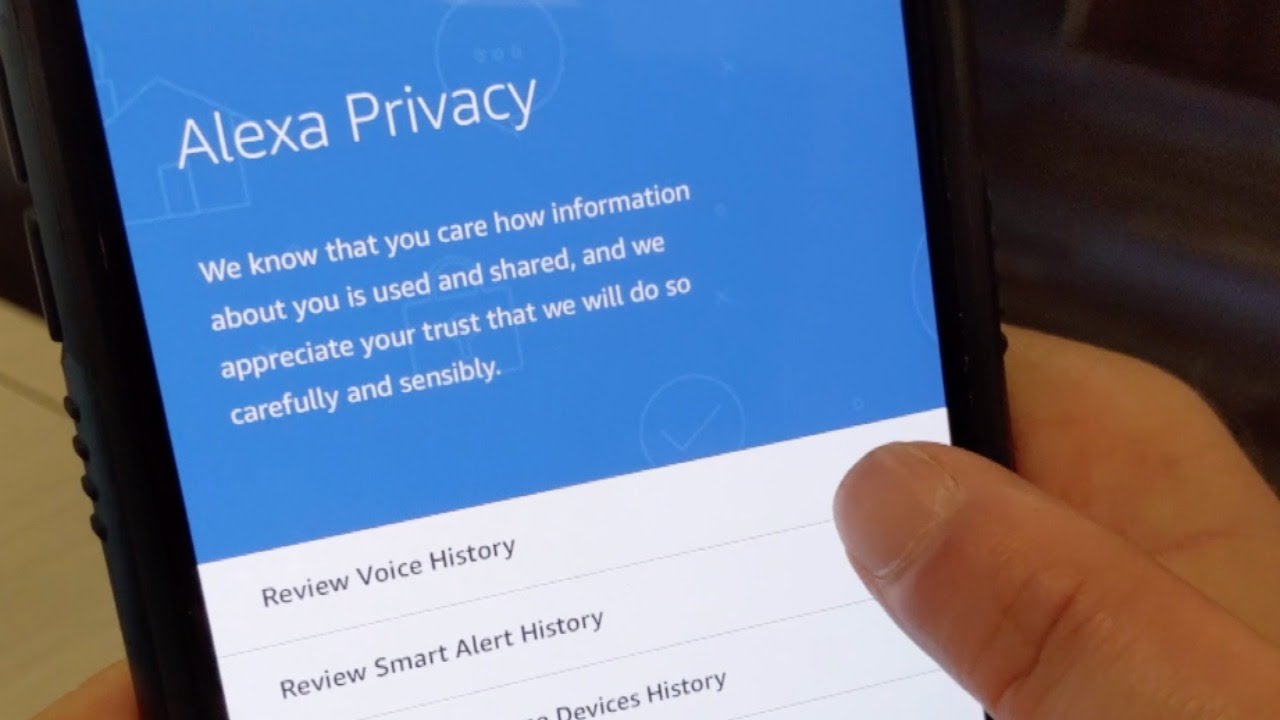
Don’t want Amazon employees to listen to recordings of what you say to Alexa? You can turn off the privacy option in settings. Here’s how.
Desktop:
Go to amazon.com/alexaprivacy, Manage How Your Data Improves Alexa, Help Develop New Features, Toggle Off

Mobile:
Open Amazon Alexa App, Menu (3 bars in upper left-hand corner), Settings, Alexa Account, Alexa Privacy, Manage How Your Data Improves Alexa, Help Develop New Features, Toggle Off