Turn Off Amazon Employee Access To Recordings of Your Alexa Voice Commands

Don’t want Amazon employees to listen to recordings of what you say to Alexa? You can turn off the privacy option in settings. Here’s how.

Desktop:
Go to amazon.com/alexaprivacy, Manage How Your Data Improves Alexa, Help Develop New Features, Toggle Off

Mobile:
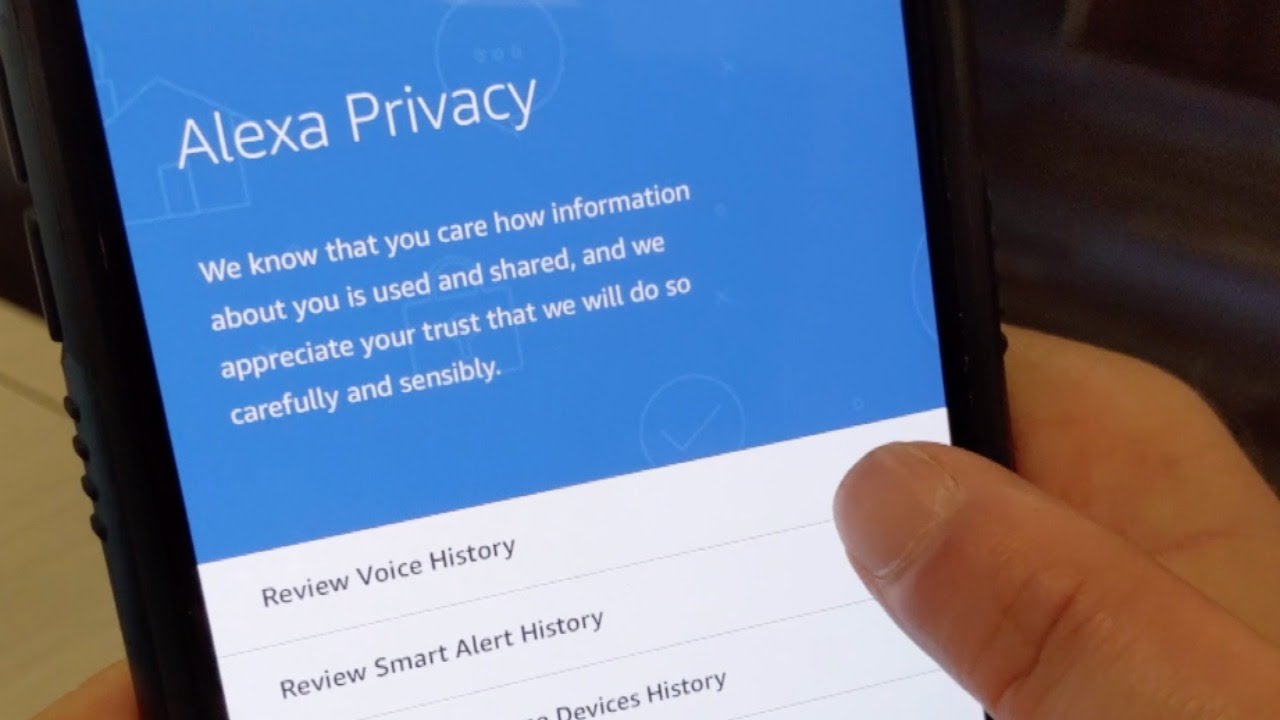
Open Amazon Alexa App, Menu (3 bars in upper left-hand corner), Settings, Alexa Account, Alexa Privacy, Manage How Your Data Improves Alexa, Help Develop New Features, Toggle Off

Disable Hey Siri Temporarily (Instant Fix!)

If you want to temporarily disable iPhone’s ability to listen for “Hey, Siri,” all you have to do is turn your phone face down.

Hey Siri won’t activate until you flip your phone over.

That’s it!

Get my book: 101 Handy Tech Tips for the iPhone
https://amzn.to/2E5TMtx

Follow Rich on Social Media:
Facebook: http://facebook.com/RichOnTech
Twitter: http://twitter.com/richdemuro
Instagram: http://instagram.com/richontech

Turn Off Amazon Employee Access To Recordings of Your Alexa Voice Commands

Don’t want Amazon employees to listen to recordings of what you say to Alexa? You can turn off the privacy option in settings. Here’s how.

Desktop:
Go to amazon.com/alexaprivacy, Manage How Your Data Improves Alexa, Help Develop New Features, Toggle Off

Mobile:
Open Amazon Alexa App, Menu (3 bars in upper left-hand corner), Settings, Alexa Account, Alexa Privacy, Manage How Your Data Improves Alexa, Help Develop New Features, Toggle Off