Tag: bloomberg
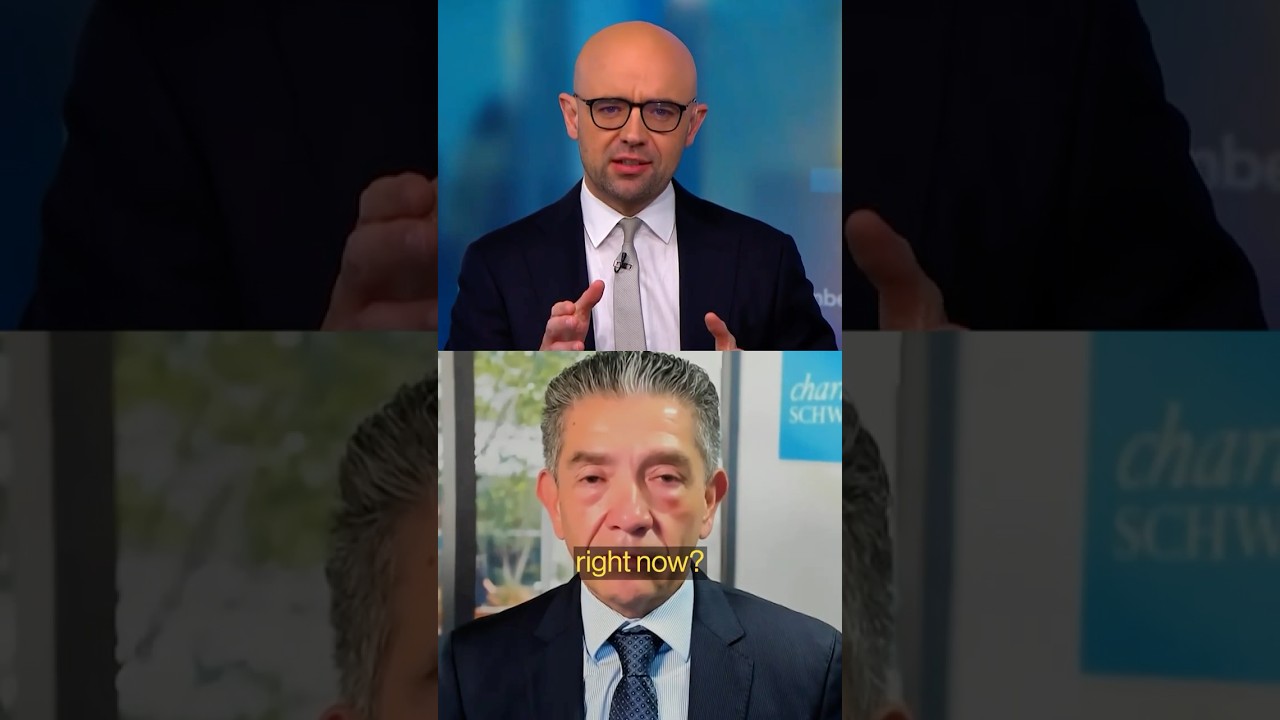
Trump Worries Iran’s Leaders May Be ‘Just as Bad’ After War

How Build-A-Bear Went on an Nvidia-Like Run

Anthropic spurns latest Pentagon bid to defuse feud over AI work #shorts #anthropic #ai

Bloomberg This Weekend

Japan “well positioned” for industrial renaissance, says Apollo’s Ueda #shorts #japan #industry #ai

Altman warns about dangers of dictators using #AI

Zuckerberg Arrives to Testify in Trial on Social Media Addiction

Inertia raises $450 million in big bet on fusion #shorts #fusion #cleanenergy #renewableenergy
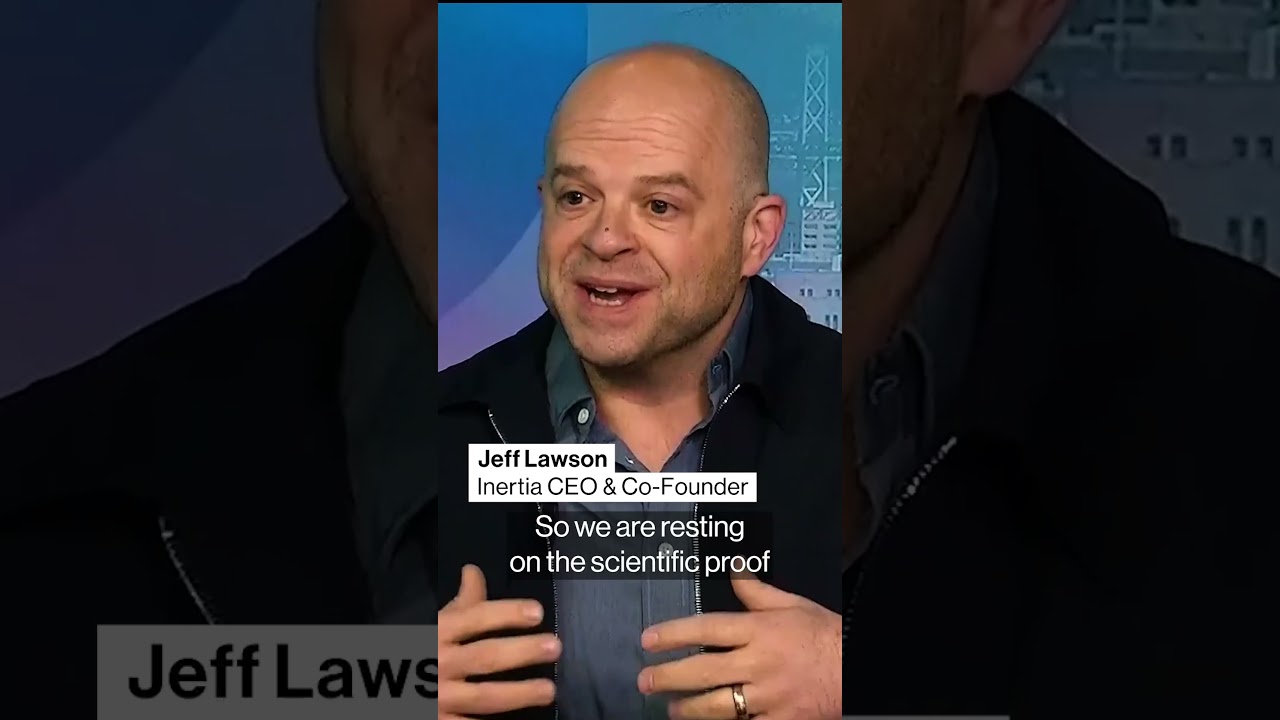
Novogratz sees a “seller’s virus” in crypto after Bitcoin drop#shorts #crypto #bitcoin
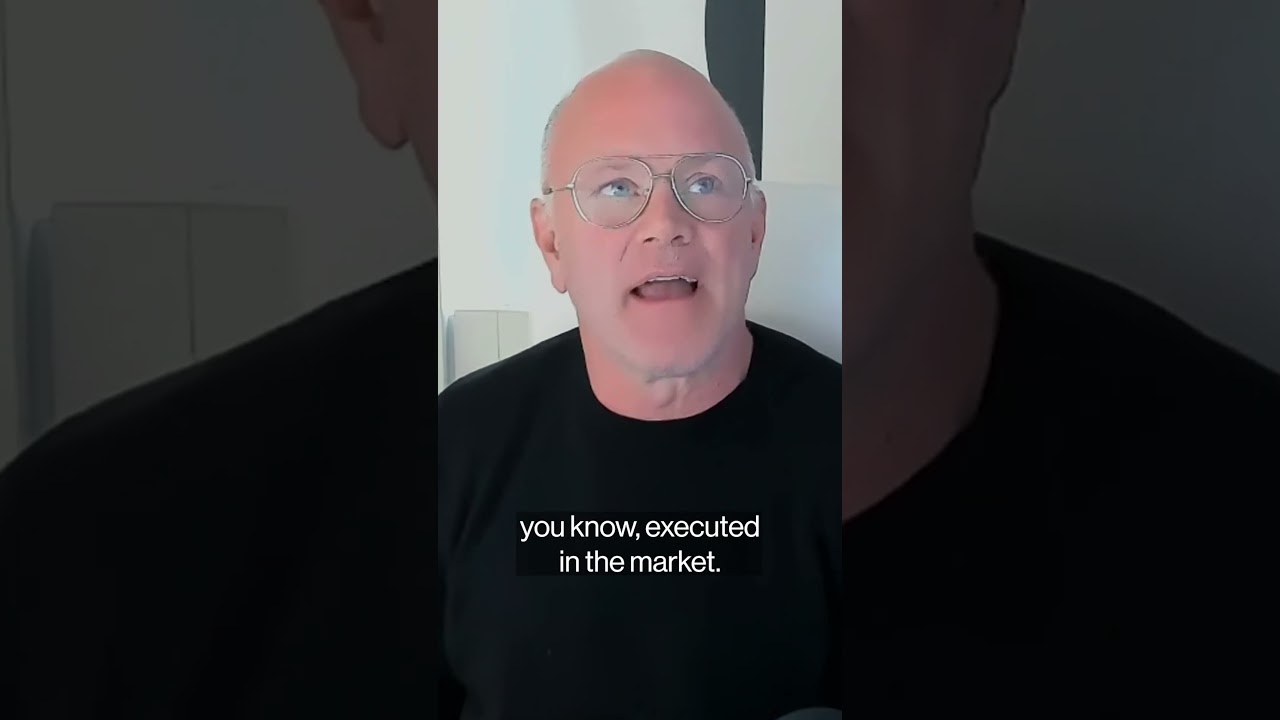
Fed’s Miran Sees Warsh as Persuasive, Respected New Chair

Ro CEO on increased demand for GLP-1 pill, and decreased prices

Eli Lilly CFO on $1 billion Nvidia investment
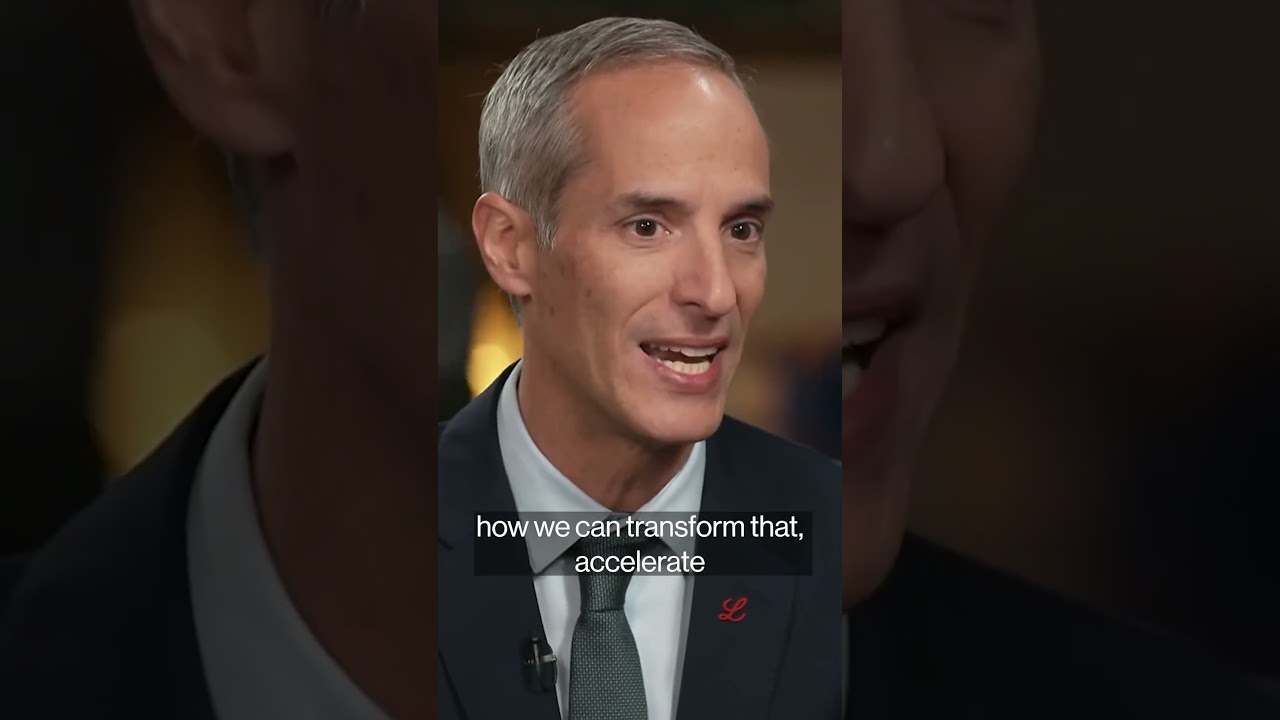
Ray Dalio says the safest investment is an inflation index bond #shorts #investing #markets

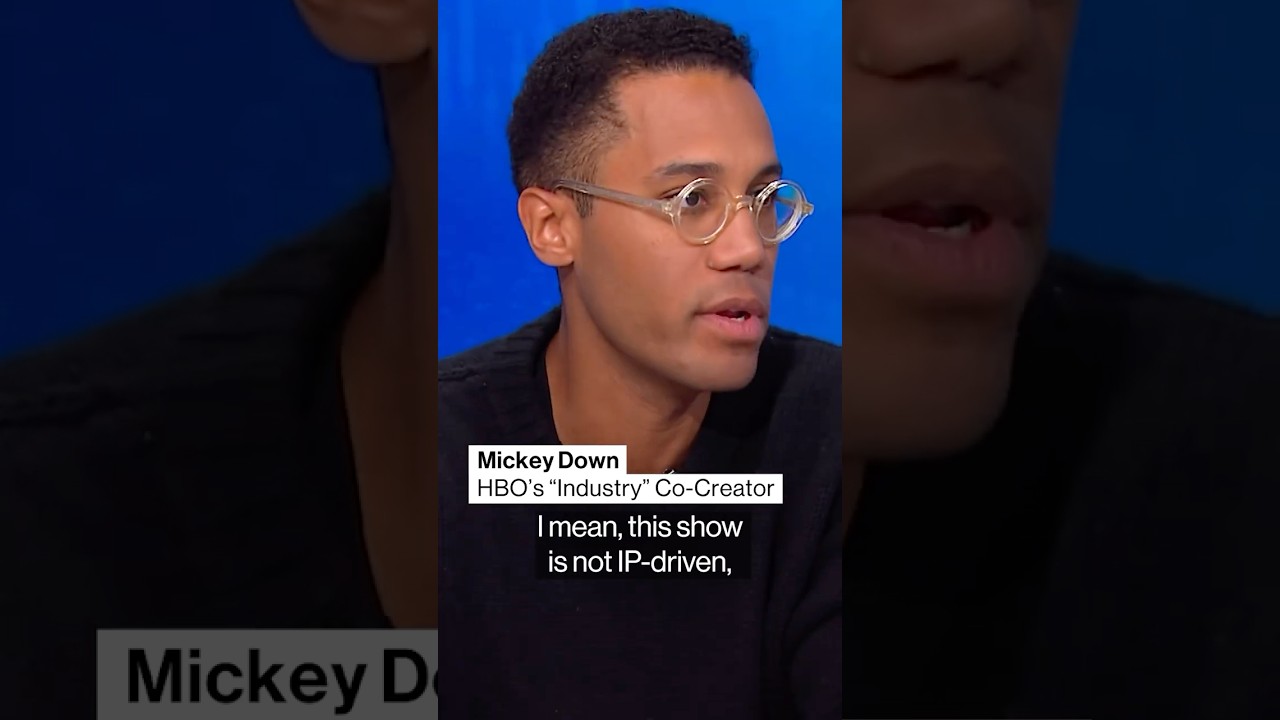
HBO “Industry” co-creators on show’s success and originality
Hasbro’s move from toys to gaming
Gina Goetter’s journey from Harley-Davidson to Hasbro

Family businesses are losing their heirs#shorts #smallbusiness #mainstreet
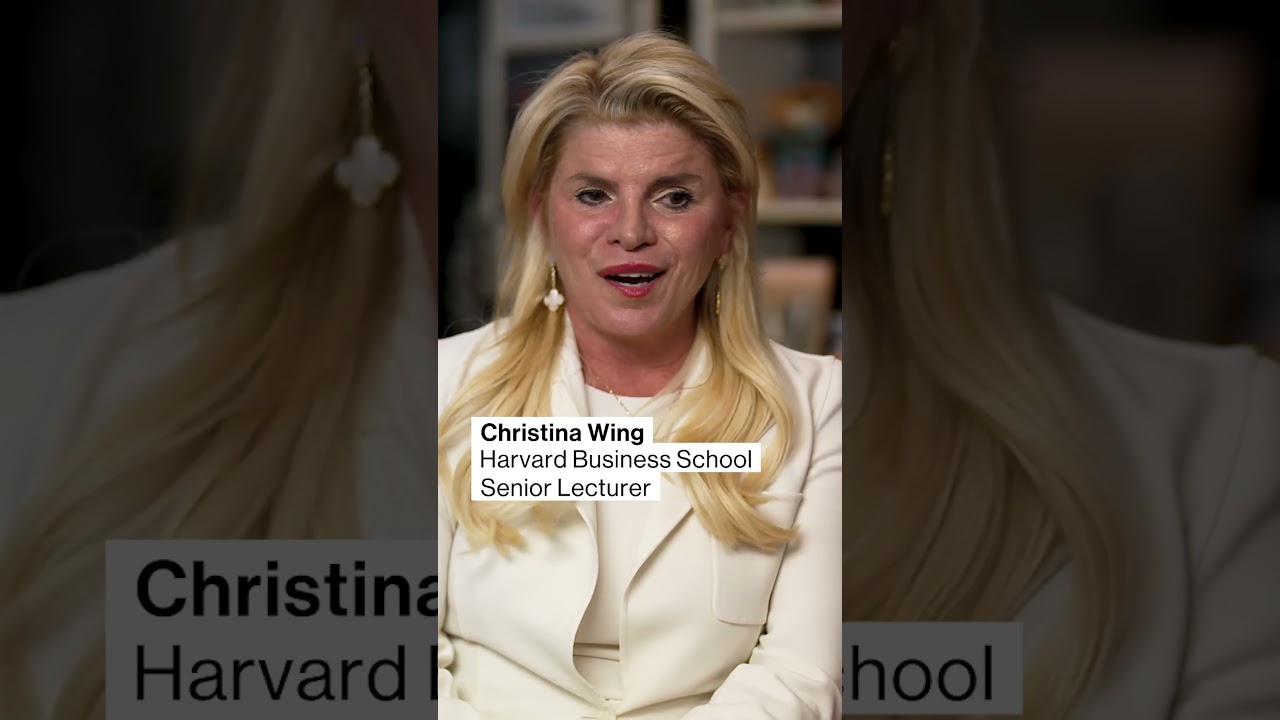
Strategy’s dollar reserve fails to soothe Bitcoin-sales concern
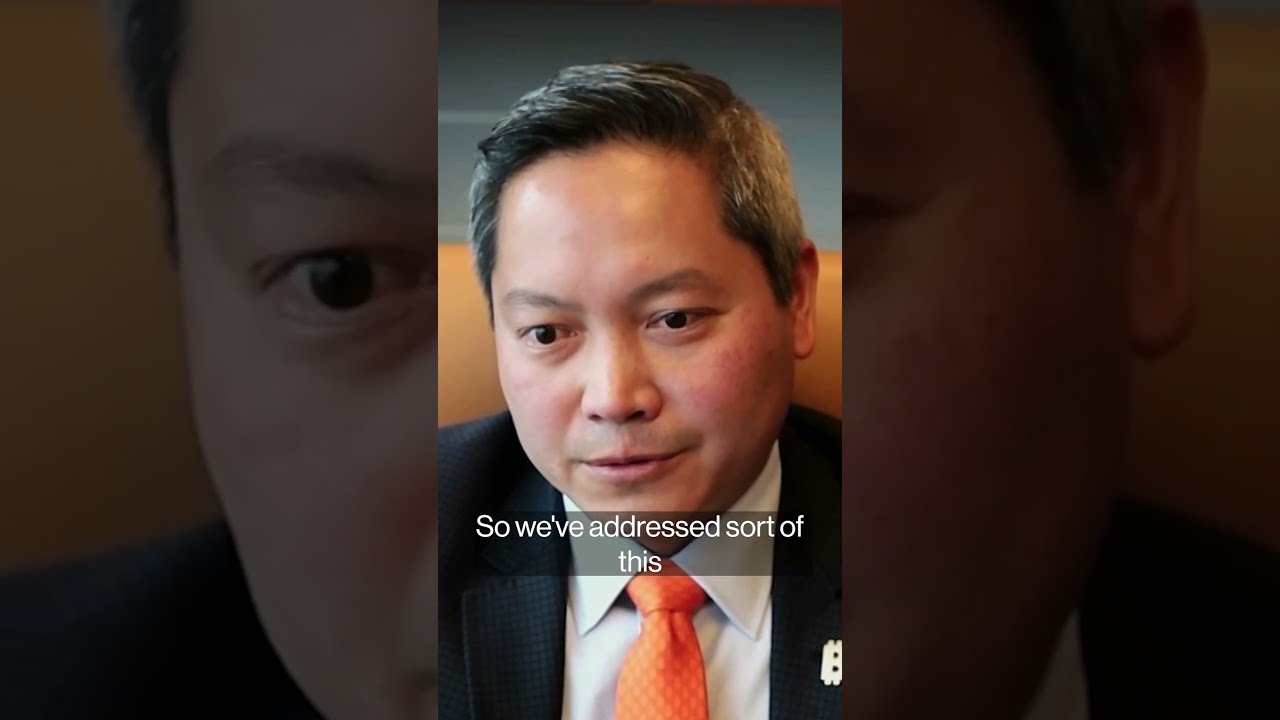
Stew Leonard’s CEO on Thanksgiving price drops

Fed Gov. Miran on Trump’s “politically correct” Fed chair choice #shorts #miran #fedchair #trump
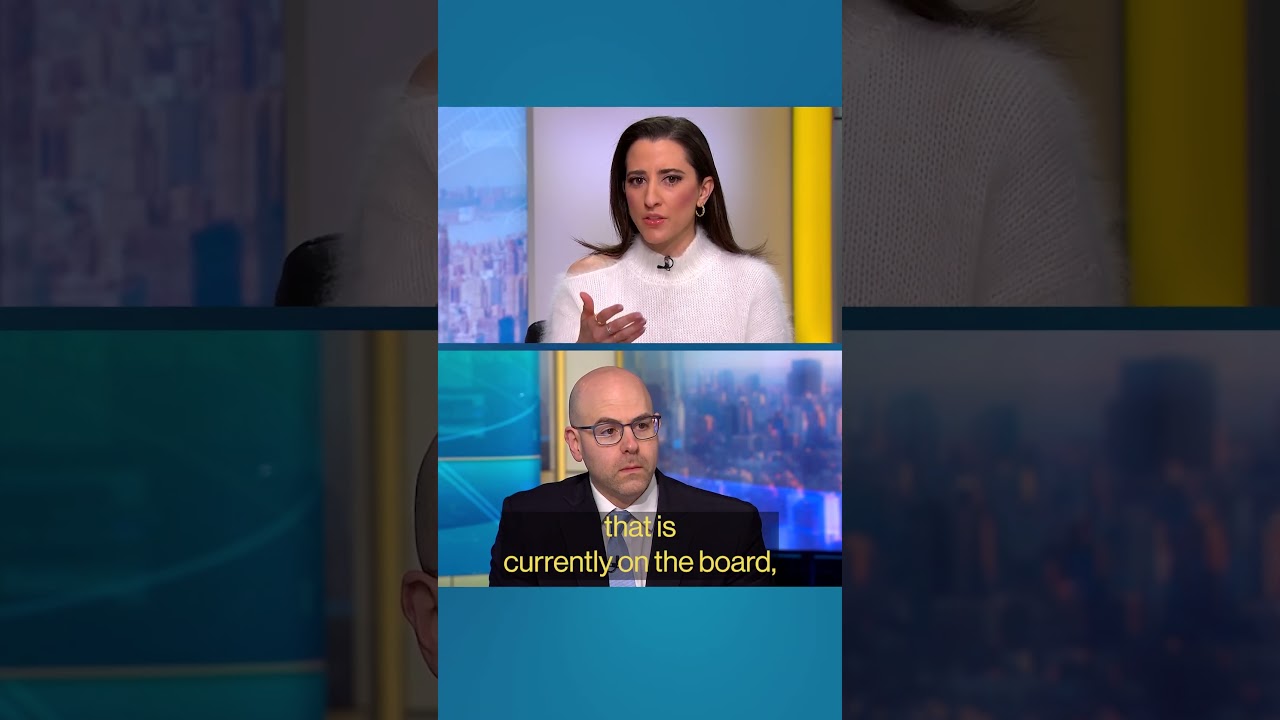
Everson: My child was the mobile generation, this will be an AI generation

Kevin Hassett says he would accept Fed chair job #shorts #politics #jeromepowell #fed #fedchair
Ken Griffin tells NYC’s Mamdani to veer from his talking points #shorts #mamdani #politics #citadel

MNTN CEO unveils QuickFrame AI for video production
Blue Owl’s co-CEO: Private credit ecosystem is very healthy
Nvidia reaching first $5 trillion firm shows power of AI, says Patel #shorts #nvidia #ai

Nvidia’s Jensen Huang: “I don’t believe we’re in an AI bubble” #shorts #nvidia #ai
Workday CEO: We’re going to peacefully coexist with AI
Can Alzheimer’s be prevented? #shorts #alzheimers #longevity #health
Blue Owl Co-CEO on $27 billion Meta deal
Turn Off Amazon Employee Access To Recordings of Your Alexa Voice Commands
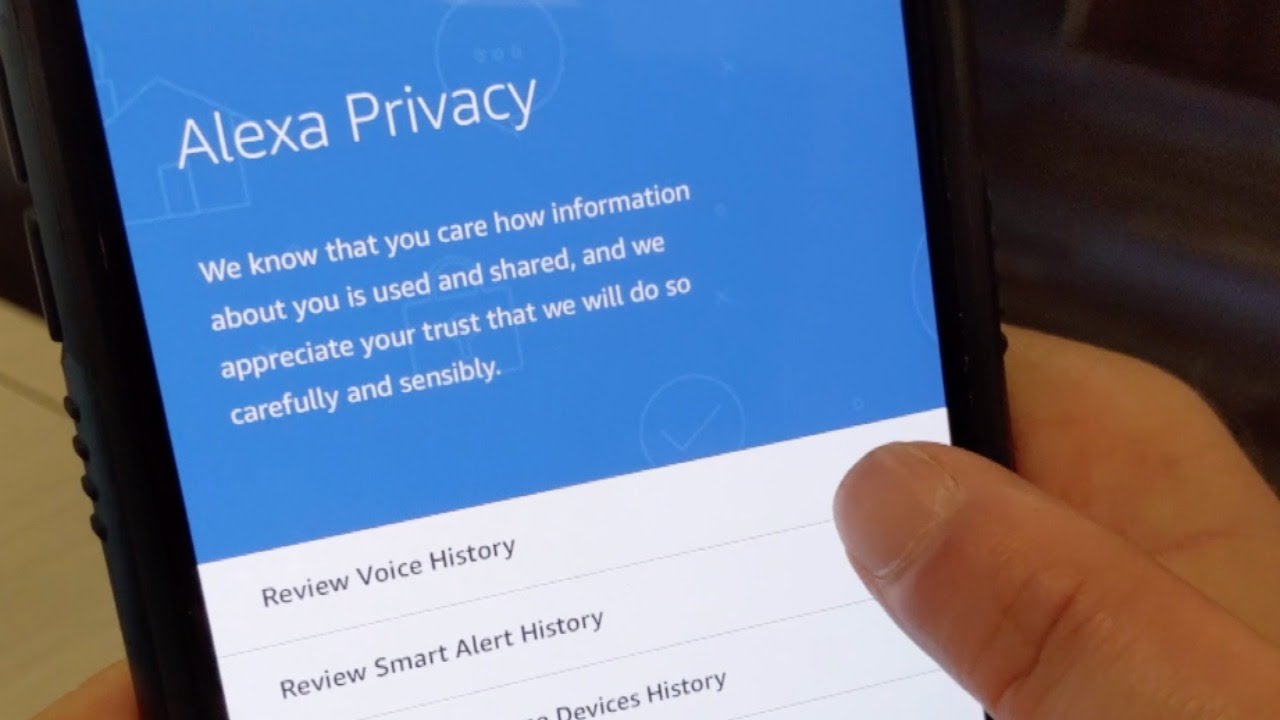
Don’t want Amazon employees to listen to recordings of what you say to Alexa? You can turn off the privacy option in settings. Here’s how.
Desktop:
Go to amazon.com/alexaprivacy, Manage How Your Data Improves Alexa, Help Develop New Features, Toggle Off
Mobile:
Open Amazon Alexa App, Menu (3 bars in upper left-hand corner), Settings, Alexa Account, Alexa Privacy, Manage How Your Data Improves Alexa, Help Develop New Features, Toggle Off